canturan.dev
Backup, WordPress management and migration tools for the Coolify installs on our own servers
- Sector
- Personal brand
- Country
- Türkiye
- Category
- Custom software
- Services
- Custom software
- Technology
- Next.js 16, React 19, TypeScript, PostgreSQL, Drizzle ORM, Better Auth, Tailwind CSS 4, node-ssh, Google Drive API, AWS SDK (S3), Express, Socket.IO, ssh2, Coolify API
01 /
The brief
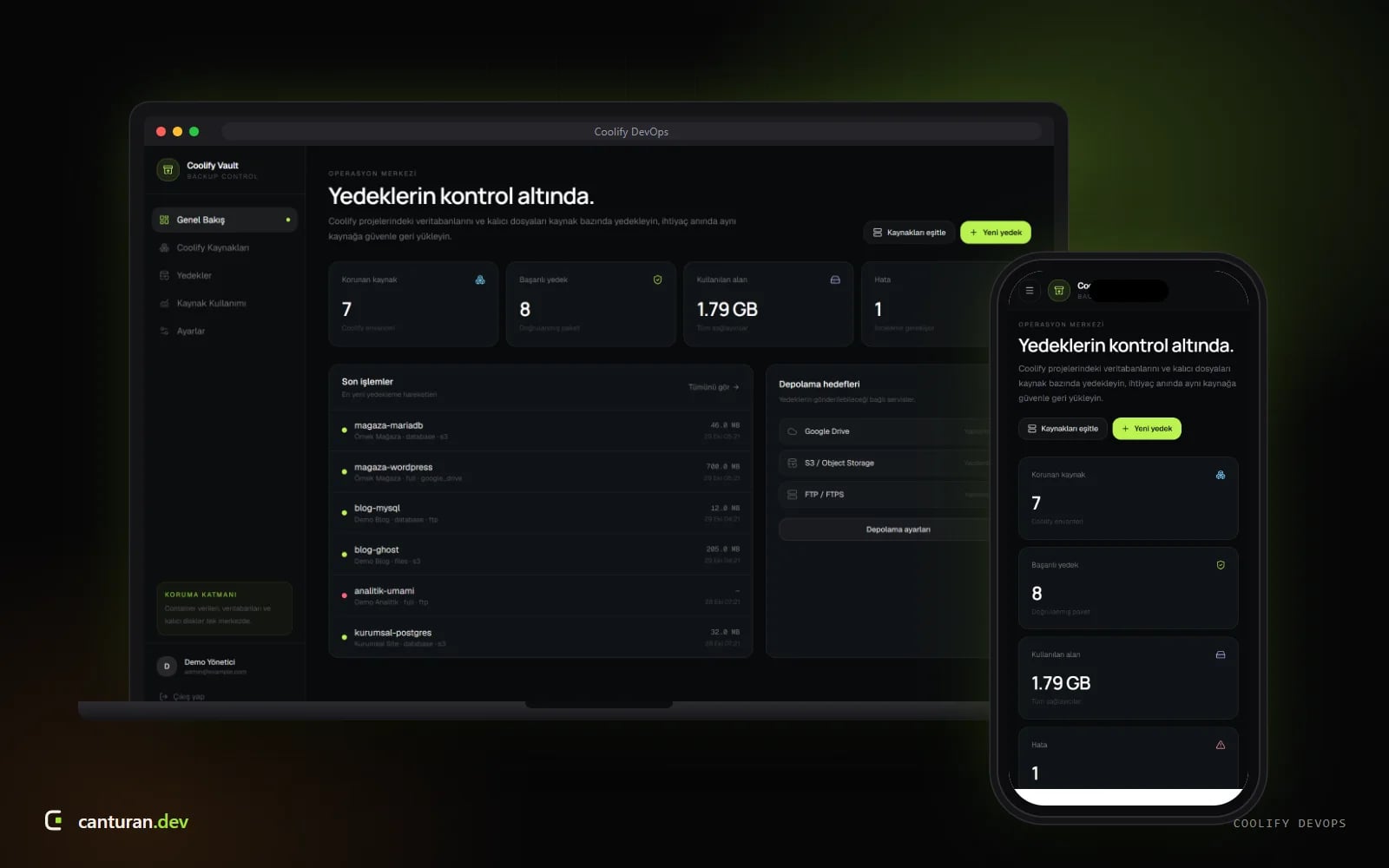
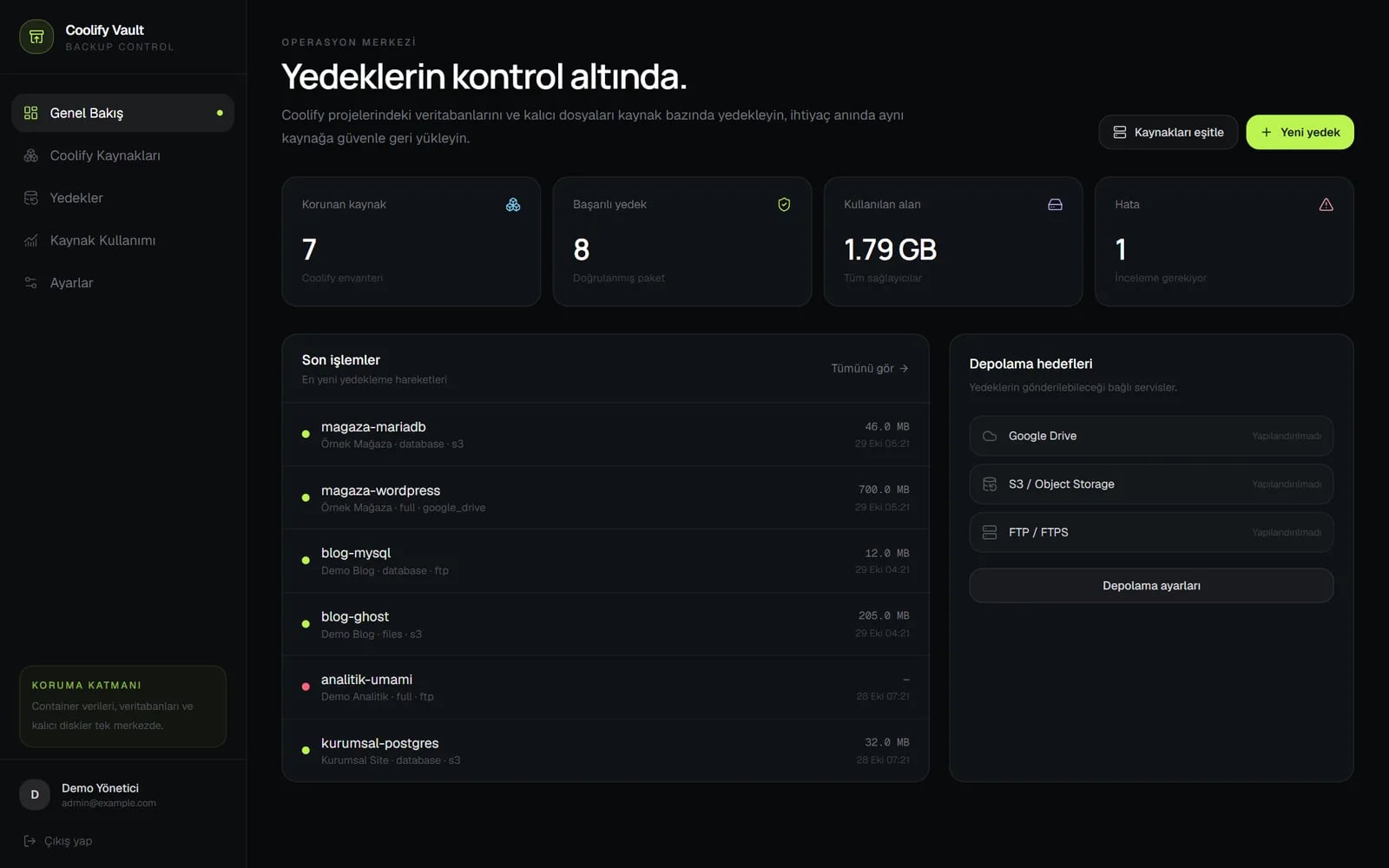
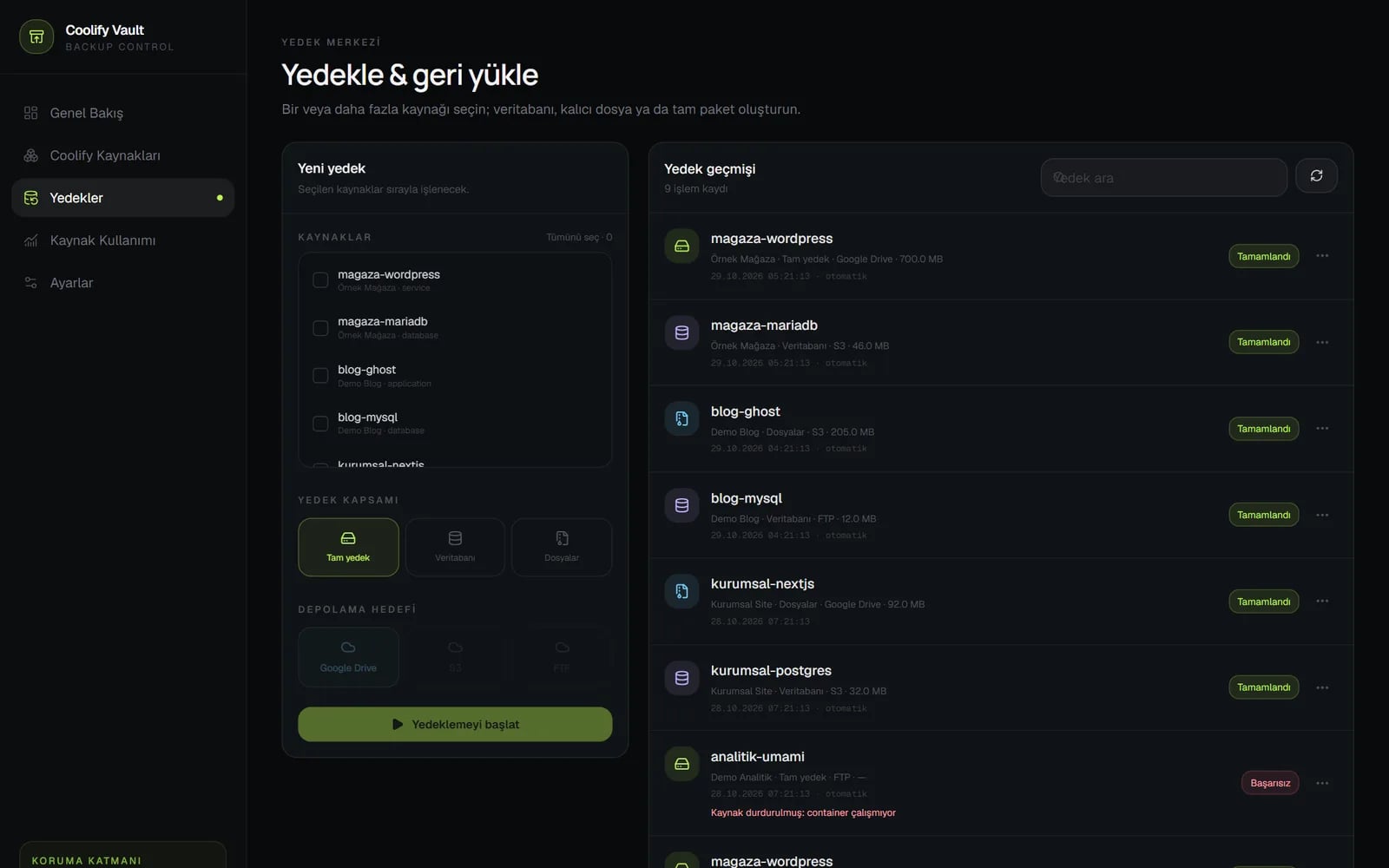
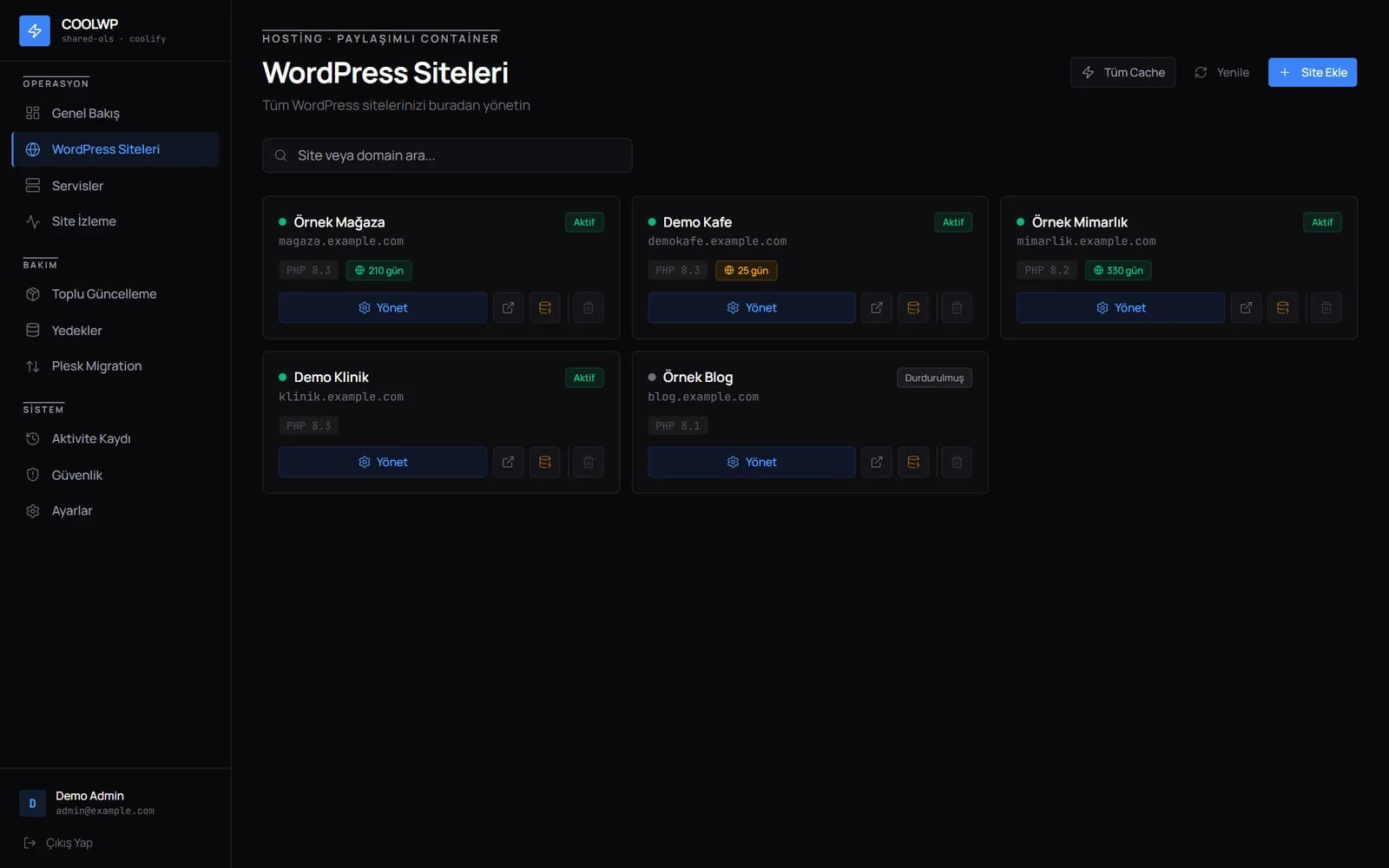
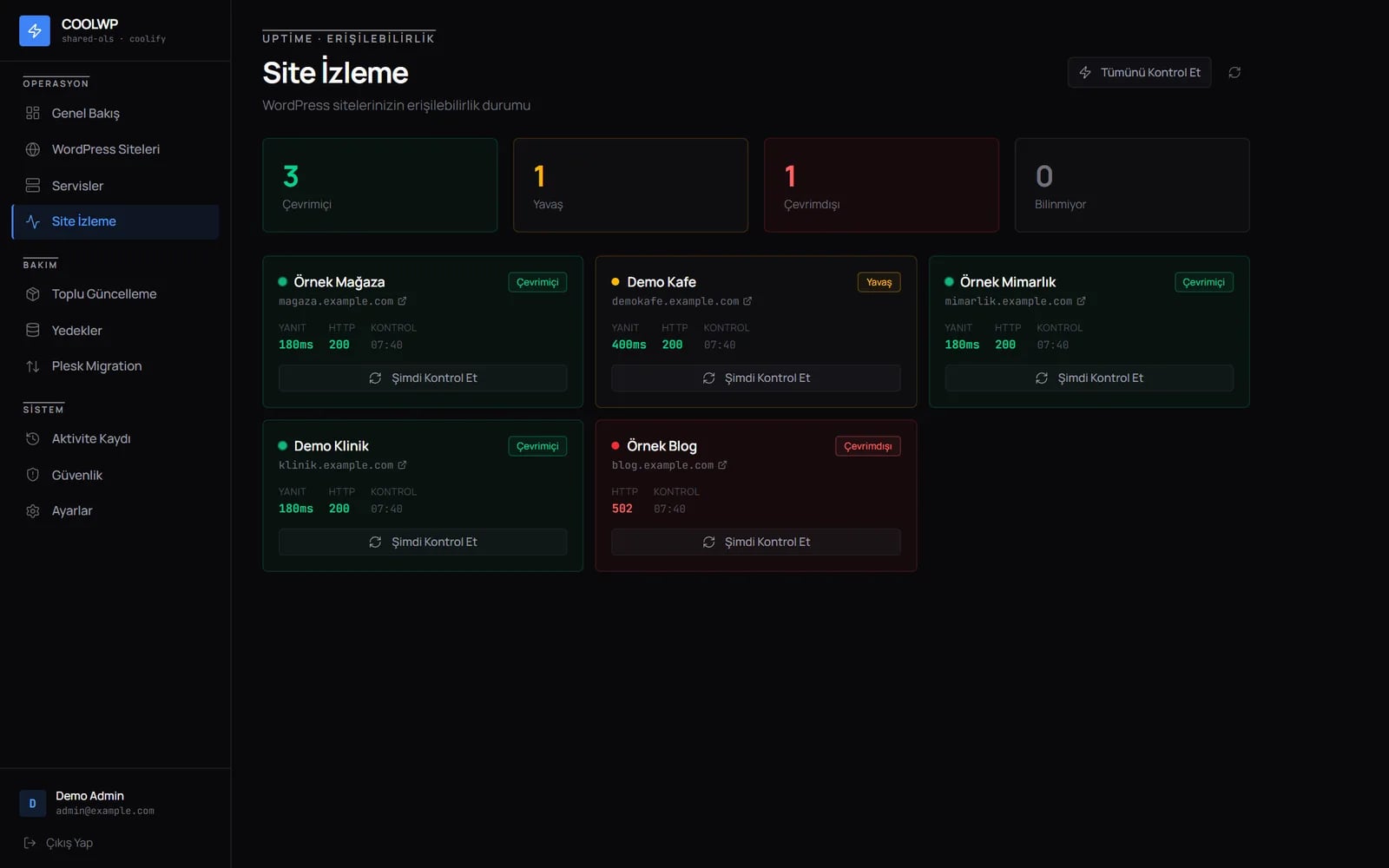
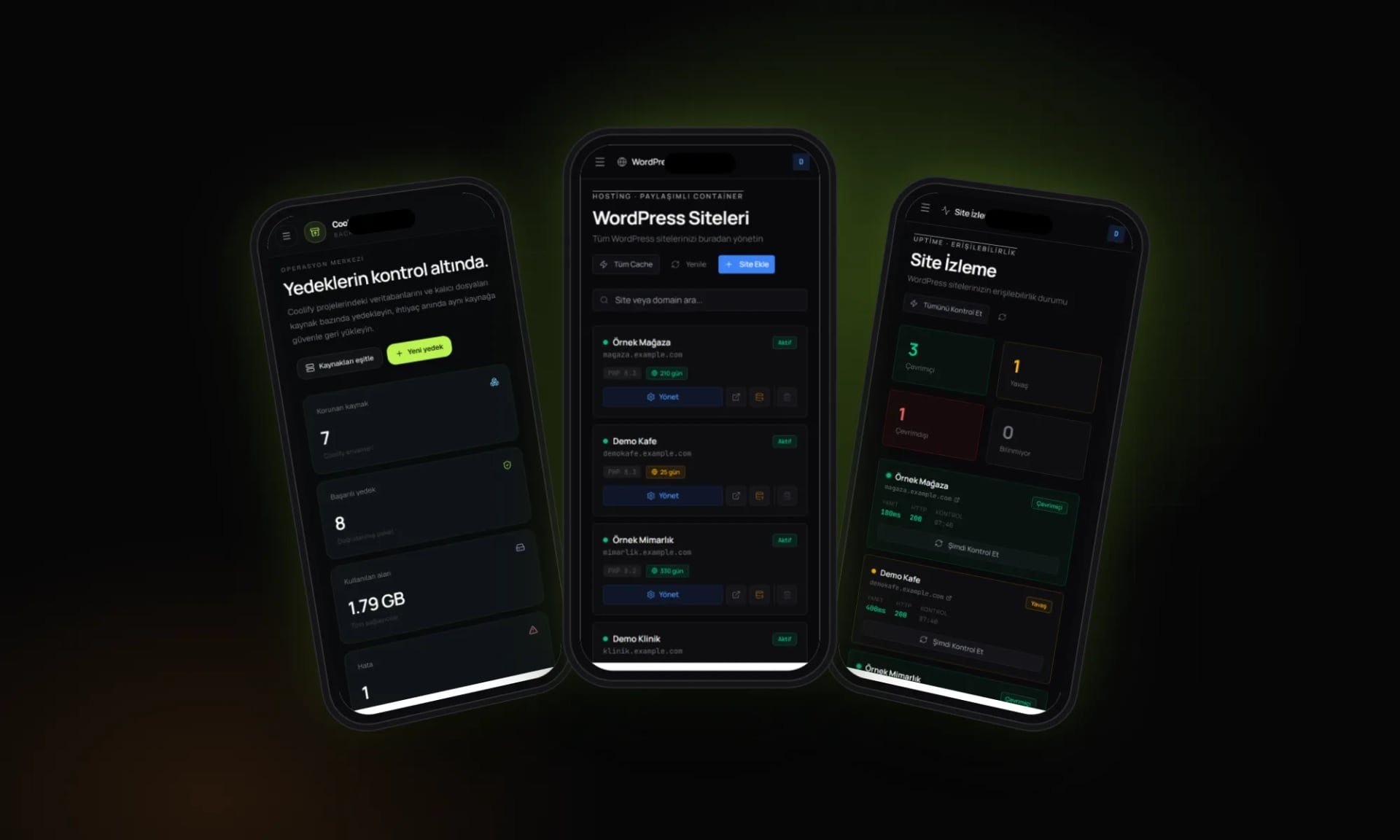
We host a large share of our clients’ sites on our own servers, on the open-source Coolify platform. Coolify makes it easy to get applications running, but backing up individual resources, updating many WordPress sites together or moving an installation to a new server were manual jobs. We closed those gaps with three tools: Coolify Vault backs up databases and persistent files and sends them to Google Drive, S3 or FTP; the CoolWP panel manages WordPress sites, their backups and uptime; and Coolify Migrator moves an installation between two servers over SSH. As internal tools they are not public, and CoolWP is still in development; the screenshots were taken locally with fictional resources.
Screens
A closer look
Fresh screenshots from the live site: the full page, inner pages and how it looks on a phone.
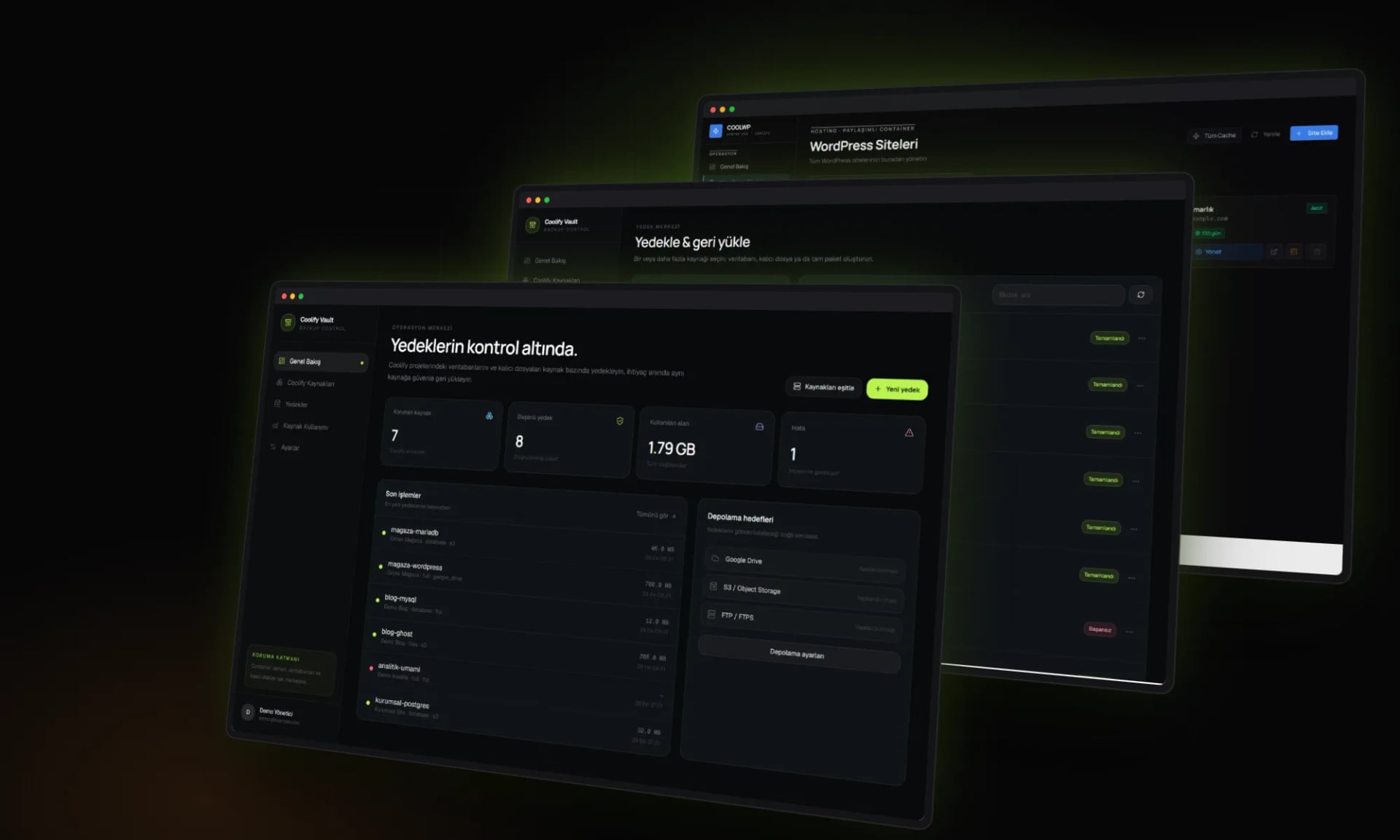
Sections and inner pages
02 /
Approach
Three decisions that shaped the project.
Per-resource backups, restored to the same resource
Vault reads projects and resources from the Coolify API and turns each into its own backup target. It can dump MySQL, MariaDB, PostgreSQL and MongoDB, archive Docker volumes or build a full package; every backup is verified with SHA-256 and restored to its original resource from a manifest.
One panel for WordPress
CoolWP brings sites, PHP versions, domain expiry dates, backups and uptime checks onto one screen. Bulk updates, security scans, cache purges and migrations from Plesk all run from the panel.
Migrations with less downtime
Migrator briefly stops the Coolify services on the old server, archives the /data/coolify folder, restarts the services straight away and transfers the archive to the new server over SFTP. Every step is followed in a live browser console, in percent and megabytes.
03 /
What we delivered
- Backup inventory synced with Coolify projects and resources
- Database, file and full backups to Google Drive, S3-compatible storage and FTP/FTPS
- Daily automatic backups with a retention policy
- WordPress site list with PHP version and domain expiry tracking
- Uptime monitoring, bulk updates and security scans
- WordPress migration from Plesk to Coolify
- Server-to-server Coolify migration over SSH with a live console
Tech stack
- Next.js 16
- React 19
- TypeScript
- PostgreSQL
- Drizzle ORM
- Better Auth
- Tailwind CSS 4
- node-ssh
- Google Drive API
- AWS SDK (S3)
- Express
- Socket.IO
- ssh2
- Coolify API
Services
The code and the domain belong entirely to our client.
Next project
A—01
Paradigma7
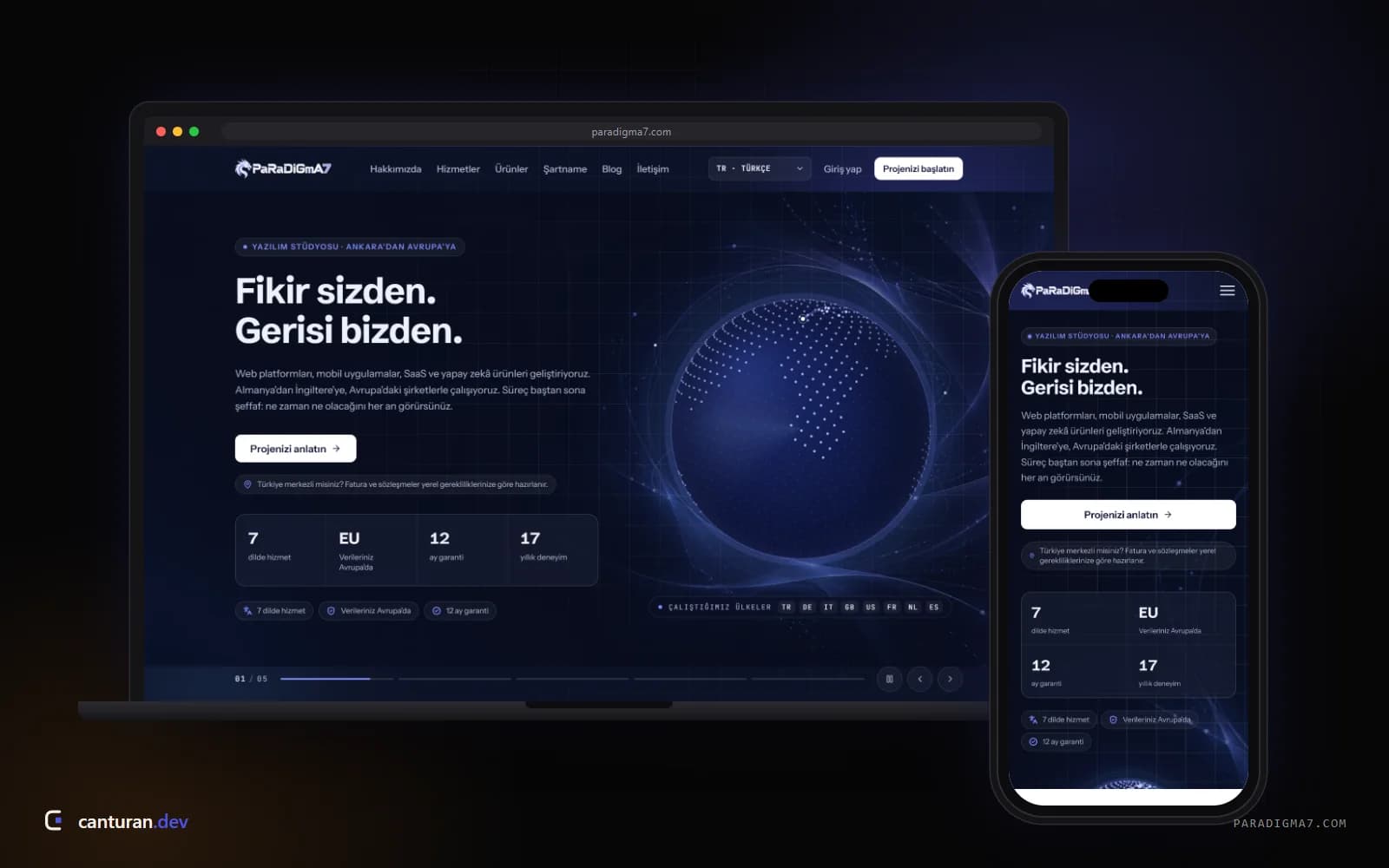
A software studio platform that runs proposals, contracts, payments and invoices in one place
Personal brand · Türkiye