Skip to content

Next.js · Django · Electron · QR

Custom software

Where off-the-shelf software doesn’t fit, tools that fit your business exactly.

Tools we use

  • Next.js
  • Django
  • PostgreSQL
  • Electron
  • REST API

Approach

If your work has outgrown spreadsheets and email threads, the tools are the problem. We pull scattered work into one system, so the field and the office work from the same data.

The QR label scanned by phone in the field, the desktop app in the office and the web panel your managers open all read from one database. Change a record and everyone sees it at once. We run every step, from discovery to roll-out.

SpreadsheetsEmailPaper formspanel› roles set› data migrated› live›WebDesktopQR
  1. Scattered
  2. One system
  3. Everywhere

01 / What you get

Software cut to your business

Six parts, one centre: everything connects to the same database, so nothing is entered twice.

One database

Web · Desktop · QR

  • Web apps and dashboards

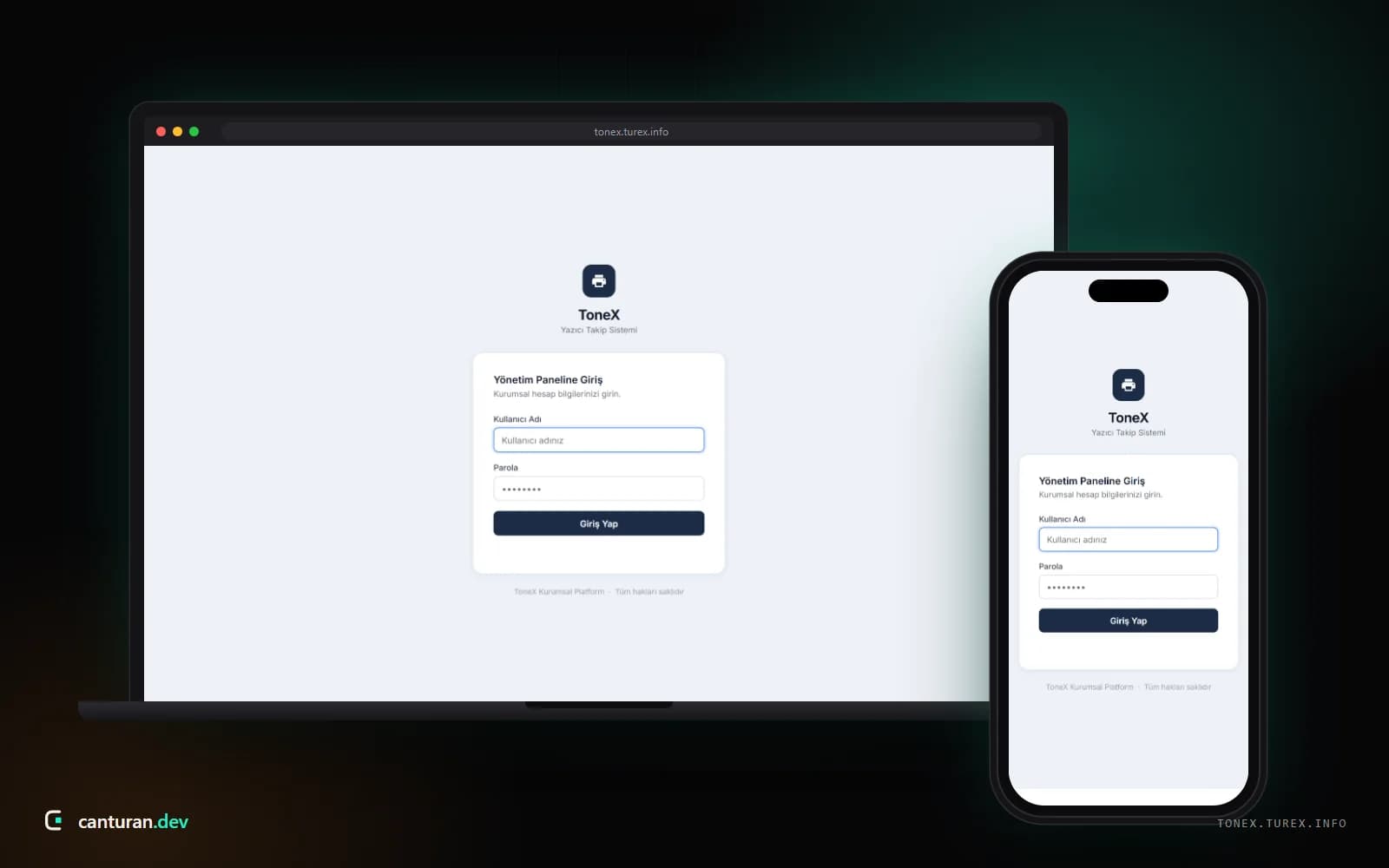
    Browser-based management systems with role-based access, built with Next.js and Django.

  • QR inventory and tracking

    Tag assets, products or equipment with QR codes; scan with a phone and see the full history on one screen.

  • Desktop applications

    Electron apps for Windows and macOS that can work offline when needed.

  • Integrations and APIs

    Secure interfaces that connect ERP, accounting, e-commerce and third-party services.

  • Process automation

    Approval flows, notifications and reports, so the software handles the repetitive work.

  • Security and backups

    Permission levels, audit logs and regular backups keep your data under control.

02 / Process

A process that removes risk early

  1. Step 01

    Discovery workshop

    1 week

    We study your current workflow on site or online and define users and priorities.

  2. Step 02

    Specification and prototype

    1–2 weeks

    We put the scope in writing and sign off the screens up front with a clickable prototype.

  3. Step 03

    Development in sprints

    2-week sprints

    You see a working build at the end of every sprint; your feedback goes into the next one.

  4. Step 04

    Testing and acceptance

    1–2 weeks

    We test with real data and check every acceptance criterion with you.

  5. Step 05

    Deployment and rollout

    2–5 days

    Installation on servers or workstations, data migration and user training.

  6. Step 06

    Maintenance and growth

    Ongoing

    We stay with you as the software grows: updates, new modules and performance work.

03 / Related projects

Examples of projects where we delivered this service.

All projects

04 / Quote

A quote shaped to your scope

Custom software doesn’t come off a shelf. After a discovery call we split the scope into modules and put each one, with timings, into a written quote.

  1. 01Free intro call
  2. 02Scope and timeline
  3. 03Itemised written quote

What shapes the scope

  • Modules and workflows
  • Number of users and permission levels
  • Integrations with existing systems
  • Platform: web, desktop or both

Nothing starts until you approve the quote, and if the scope changes, we talk first.

05 / FAQ

Questions, answered

Can’t see your question? Write to us — we reply within one business day.

Custom or off-the-shelf?

If an affordable product already does what you need, we will recommend it first. Custom software makes sense when your workflow is non-standard, when several systems need to work as one, or when licence costs keep growing.

How do you put the quote together?

After the discovery call we split the scope into modules and estimate each one. The quote states clearly what is and isn’t included. Larger projects are split into phases to keep the budget manageable.

Who owns the source code?

You do. At handover you receive the full source code, database schema and documentation. If you ever want to continue with another team, nothing stands in your way.

Will it integrate with our existing systems?

In most cases, yes. If your ERP, accounting, e-commerce or shipping system offers an API, we connect directly; if not, we set up safe workarounds such as file-based exchange. We confirm this during discovery.

What happens after handover?

After acceptance we fix bugs free of charge for the warranty period set out in the quote. After that, a monthly maintenance agreement covers updates, backups and new development.
Next service · 04 SEO & performanceNo shortcuts, no magic: fast pages that give the best answer to what people search for.