Ready-made software
Coolify Toolkit
Backup, WordPress management and migration tools for the Coolify installs on our own servers
What it does
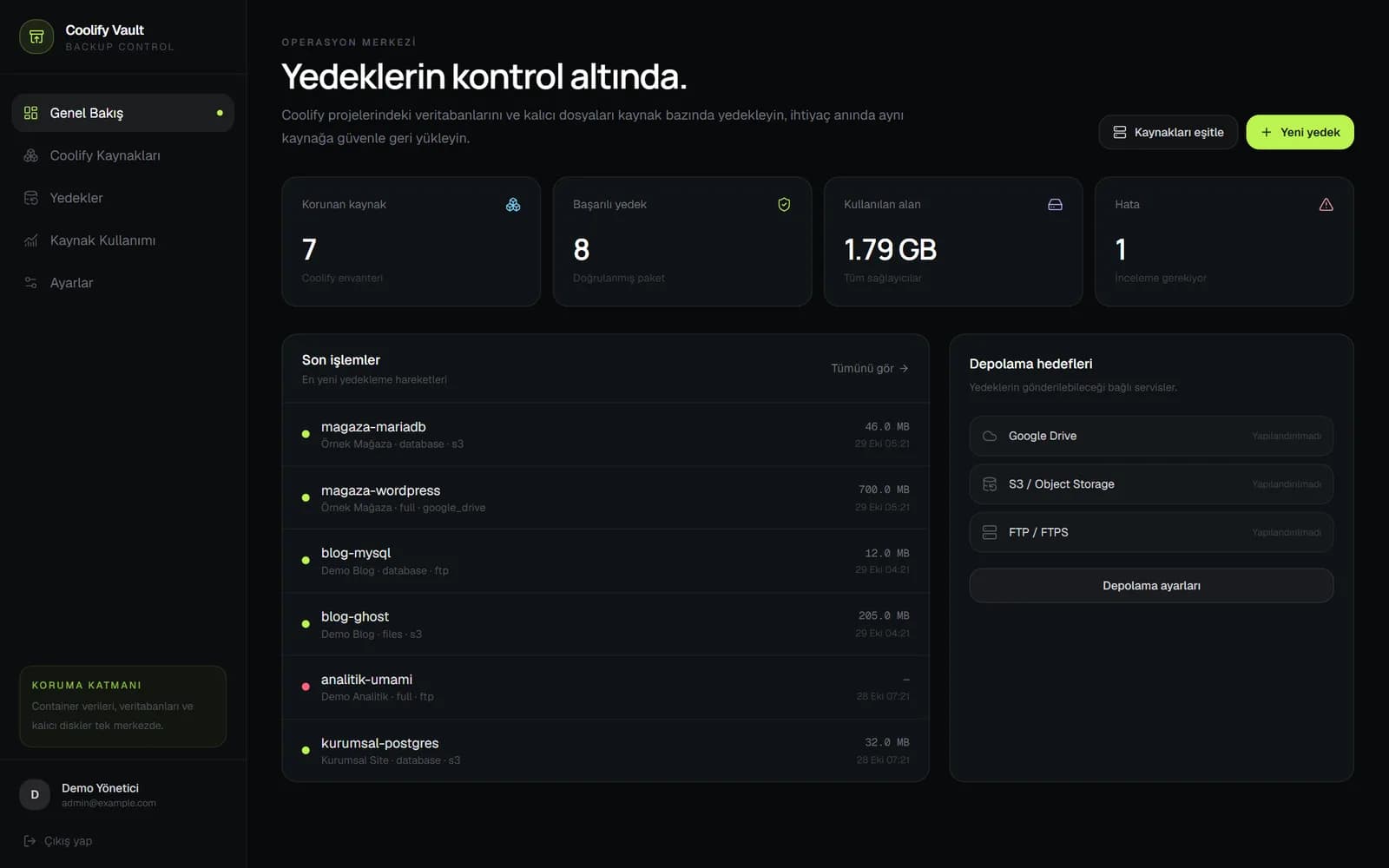
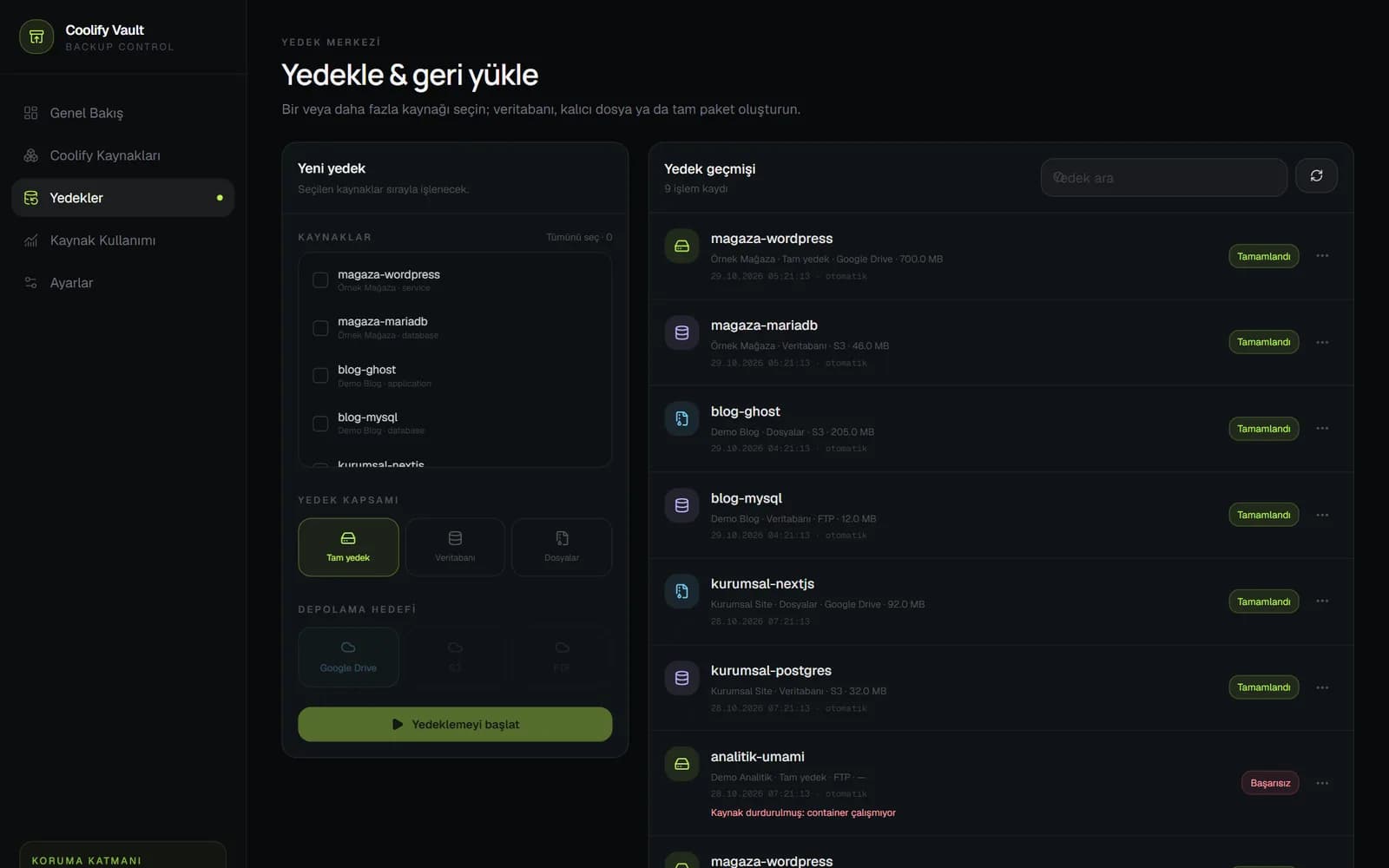
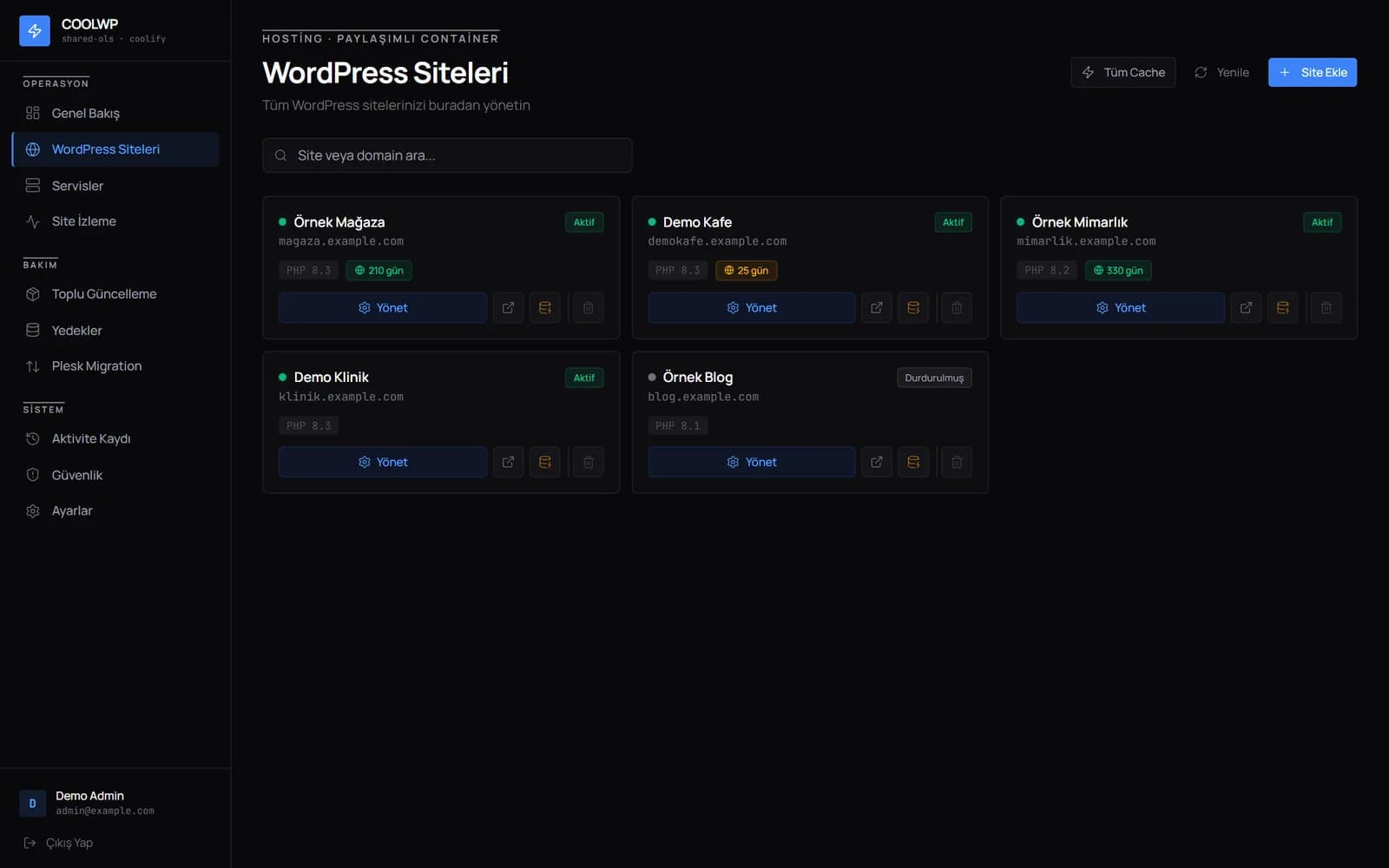
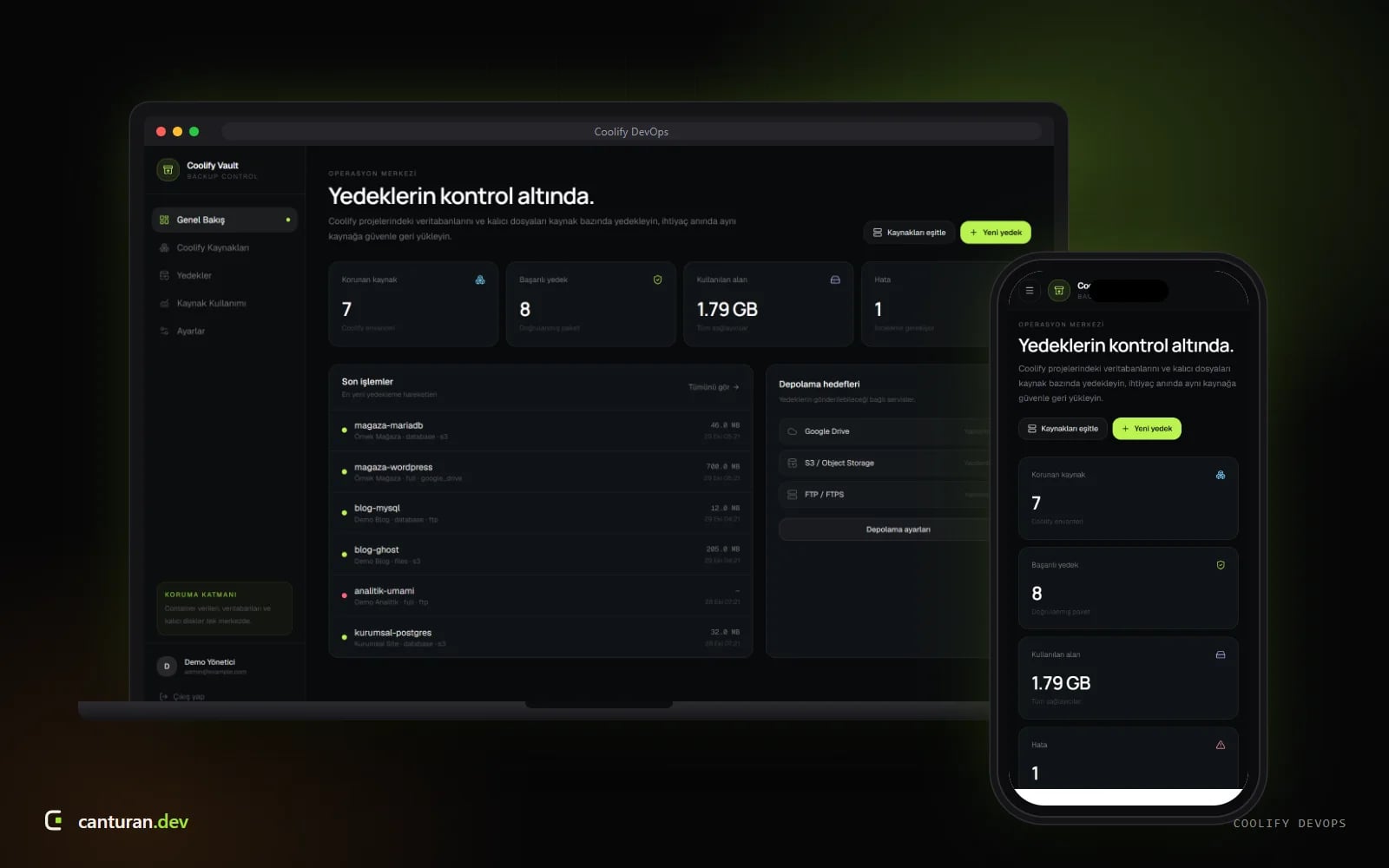
We host a large share of our clients’ sites on our own servers, on the open-source Coolify platform. Coolify makes it easy to get applications running, but backing up individual resources, updating many WordPress sites together or moving an installation to a new server were manual jobs. We closed those gaps with three tools: Coolify Vault backs up databases and persistent files and sends them to Google Drive, S3 or FTP; the CoolWP panel manages WordPress sites, their backups and uptime; and Coolify Migrator moves an installation between two servers over SSH. As internal tools they are not public, and CoolWP is still in development; the screenshots were taken locally with fictional resources.
Highlights
- Backup inventory synced with Coolify projects and resources
- Database, file and full backups to Google Drive, S3-compatible storage and FTP/FTPS
- Daily automatic backups with a retention policy
- WordPress site list with PHP version and domain expiry tracking
- Uptime monitoring, bulk updates and security scans
- WordPress migration from Plesk to Coolify
- Server-to-server Coolify migration over SSH with a live console
Technology
- Next.js 16
- React 19
- TypeScript
- PostgreSQL
- Drizzle ORM
- Better Auth
- Tailwind CSS 4
- node-ssh
- Google Drive API
- AWS SDK (S3)
- Express
- Socket.IO
- ssh2
- Coolify API